CodeAlta Principles
CodeAlta is designed around a small set of product and engineering principles. They are meant to keep the terminal workspace efficient, inspectable, and practical for real development work as the feature set grows.
Efficient. Transparent. Keyboard-first. Session-oriented. Provider-agnostic. Native .NET. Error-aware. Extensible.
Efficient interface
CodeAlta should use terminal space efficiently: high signal, low ceremony, no chat-bubble padding. The main timeline should be a full-width working stream where user prompts, assistant messages, reasoning and status entries, tool calls, statistics, and file-change summaries share the same surface.
XenoAtom.Terminal.UI makes this practical inside a terminal: compact layouts, dynamic controls, dialogs, tabs, popups, syntax-highlighted editors, selectable color themes, and interactive timeline entries.
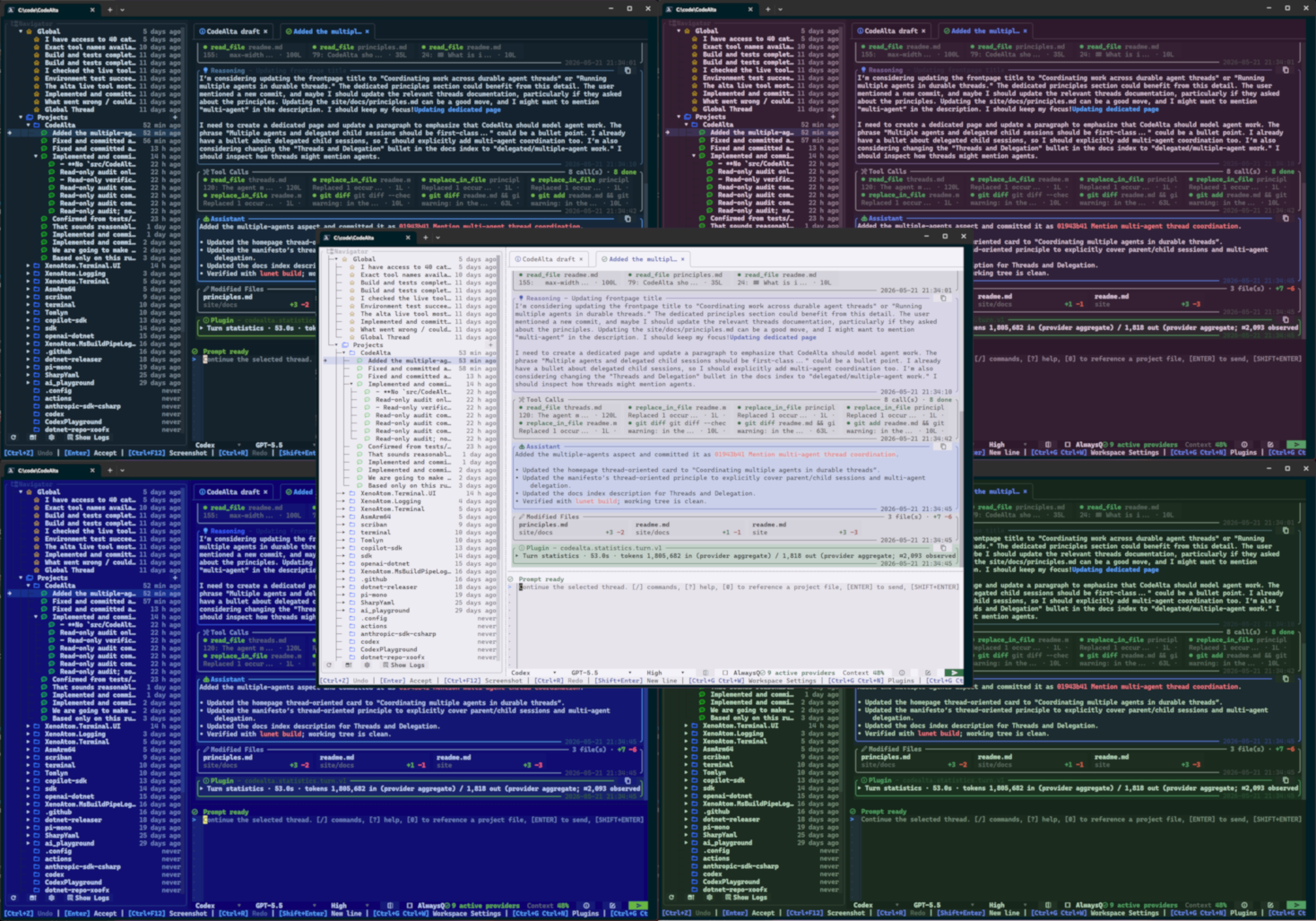
What this means in practice:
- Important event types should be visually distinct through icons, colors, and headers.
- Tool calls should be grouped as compact chips instead of expanding into noisy logs by default.
- Summaries should show status, tool name, output size, line counts, and file-change totals.
- Details should stay available through expandable sections and dialogs.
- Color themes should be easy to select so the information-rich surface fits the user and terminal environment.
- Compactness should reduce wasted space, not hide state.
Transparent execution
CodeAlta should keep agent execution inspectable. Verbose details can be collapsed by default, but they should remain reachable when they affect review, debugging, or trust.
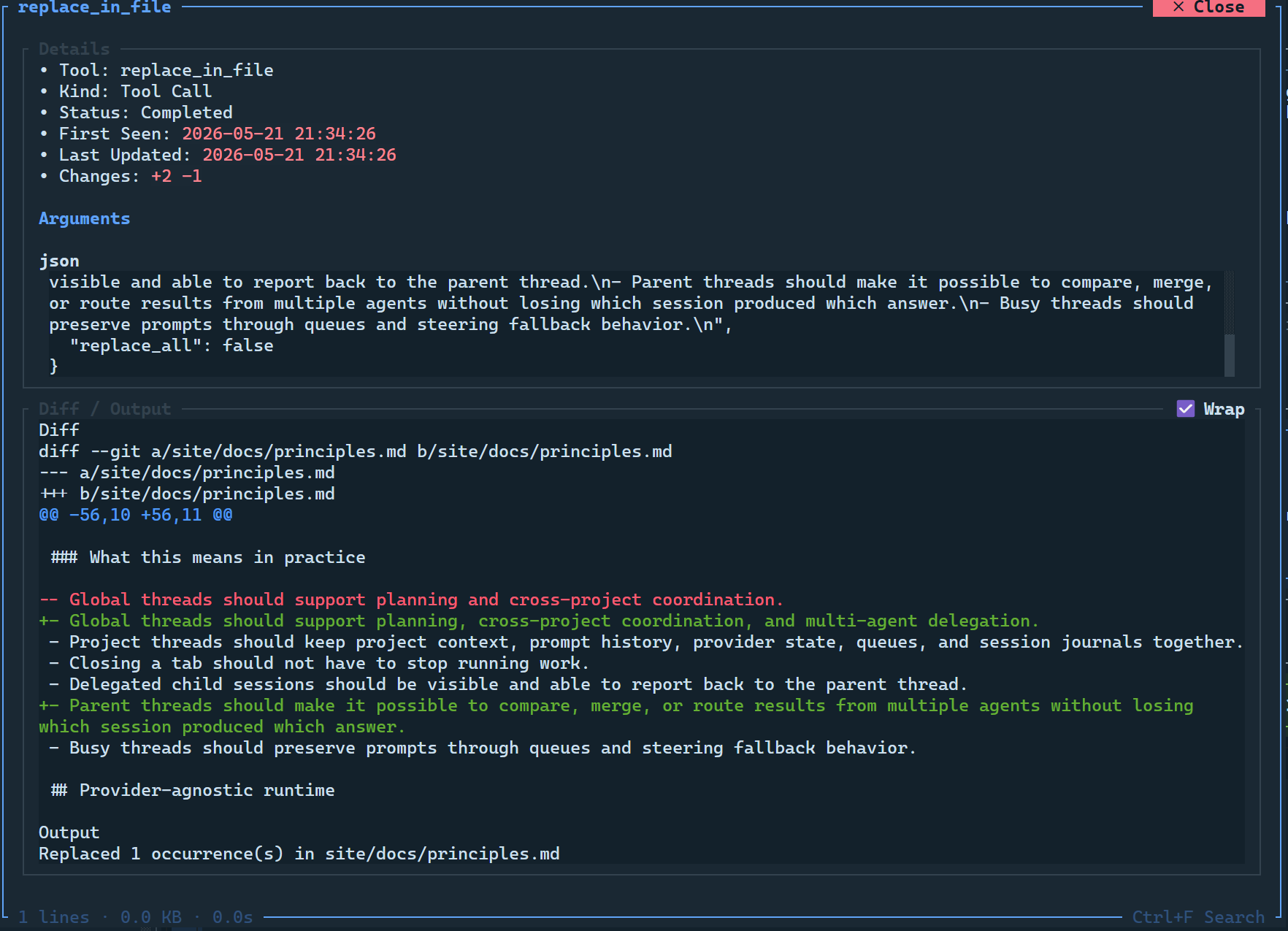
What this means in practice:
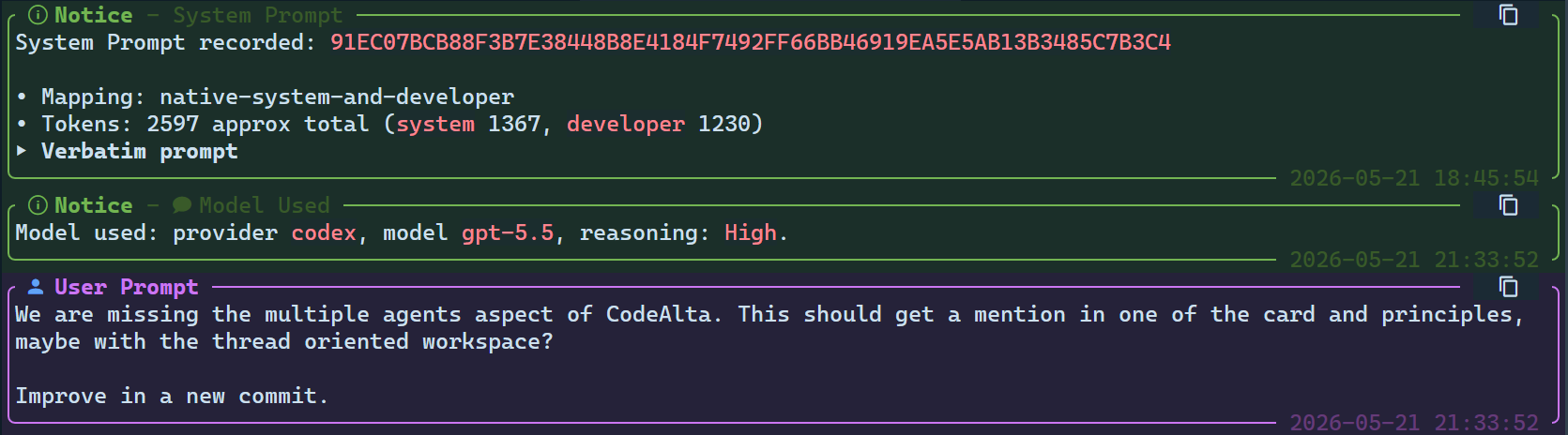
- System prompts should be visible and expandable.
- System-prompt changes should be able to show diffs.
- Compaction events should be represented explicitly and their summaries should be inspectable.
- Model and provider changes should be visible in session history.
- Tool results and modified files should be inspectable after the fact.
- Usage and context information should be available without leaving the app.
Keyboard-first workflow
CodeAlta should support normal work from the keyboard, with mouse interactions as convenience rather than requirement. Commands, slash aliases, command discovery, and shortcuts should cover the common development loop.
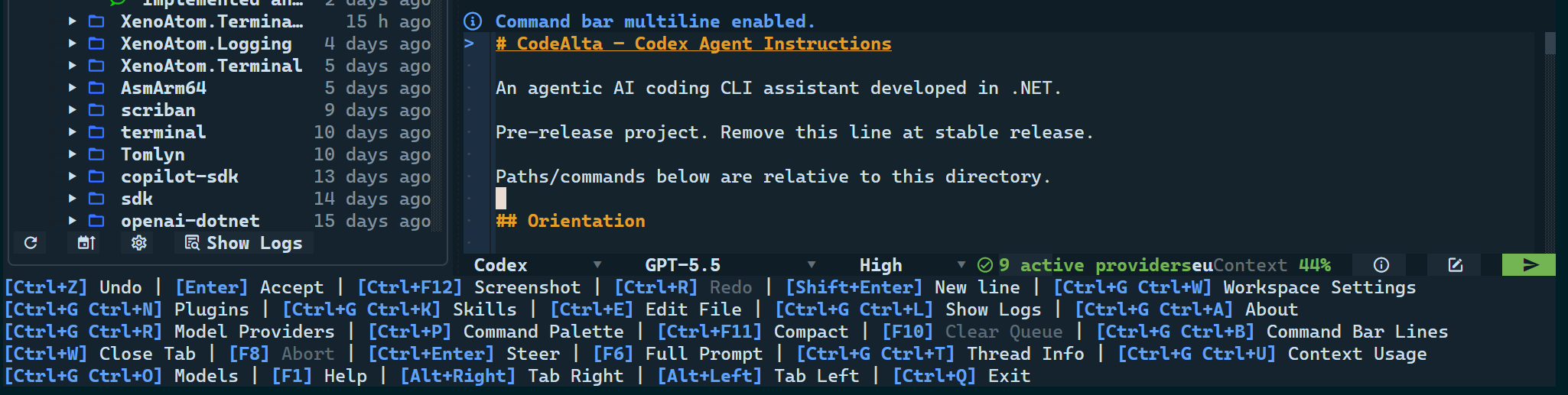
What this means in practice:
- Open management dialogs such as providers, models, plugins, settings, logs, usage, session reports, and theme or workspace preferences.
- Move focus between the sidebar, prompt, model selector, editor tabs, and session tabs.
- Switch tabs and open or reopen project and session surfaces.
- Navigate the timeline by previous or next user or assistant message, first message, and latest message.
- Open files, attach project files and folders to prompts, and inspect editor tabs.
- Send, queue, steer, abort, compact, or delegate session work.
- Close popups and return to the prompt without rebuilding the working context.
Session-oriented workspace
CodeAlta should model agent work as durable sessions rather than disposable chat scrollback. Sessions keep history, provider state, queue state, journals, and project scope together, including parent and child relationships when multiple agents cooperate on the same goal.
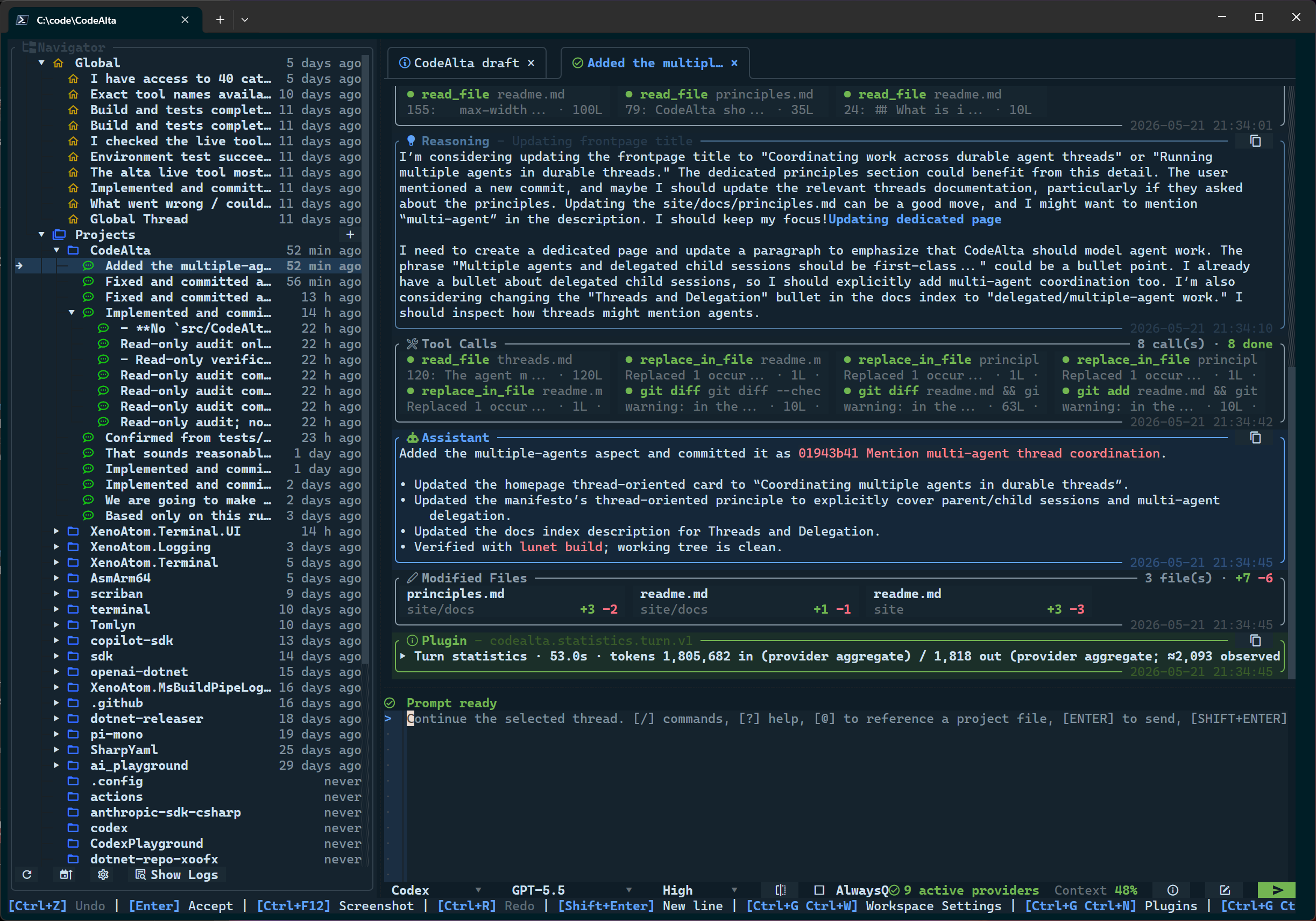
What this means in practice:
- Global sessions should support planning, cross-project coordination, and multi-agent delegation.
- Project sessions should keep project context, prompt history, provider state, queues, and session journals together.
- Closing a tab should not have to stop running work.
- Delegated child sessions should be visible and able to report back to the parent session.
- Parent sessions should make it possible to compare, merge, or route results from multiple agents without losing which child session produced which answer.
- Busy sessions should preserve prompts through queues and steering fallback behavior.
Provider-agnostic runtime
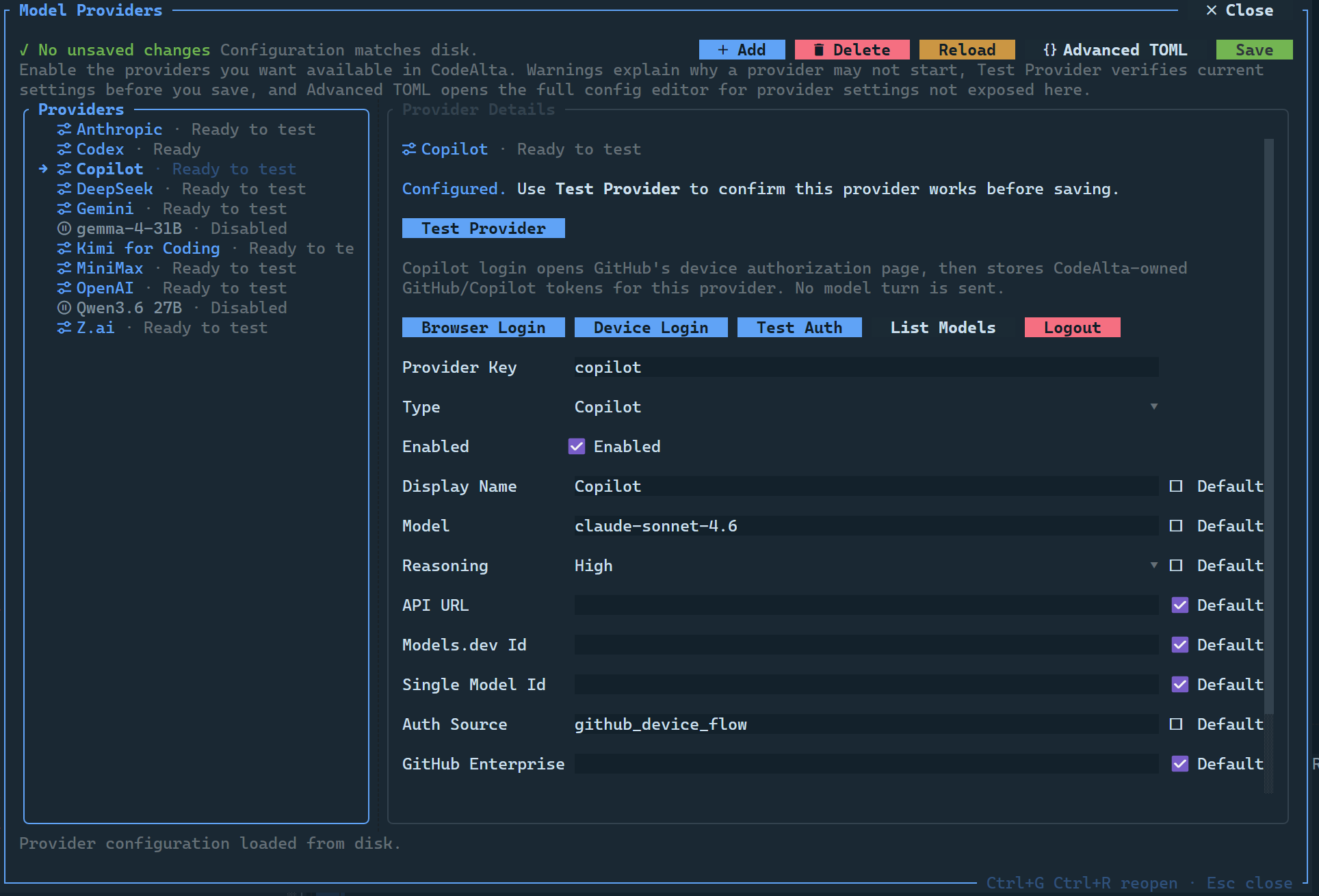
CodeAlta should model LLM execution as providers, not as a single-vendor integration. Credentials, endpoints, model discovery, selected model, reasoning effort, capabilities, and context metadata should fit the same workspace model where possible.
What this means in practice:
- Hosted APIs, subscription-backed providers, cloud providers, and compatible or custom endpoints should fit the same UI model.
- Local models should be reachable through whichever supported provider adapter or API shape fits them; no single protocol should be the default assumption.
- Model, reasoning, tool and image capability, and context metadata should be visible in selectors and dialogs.
- Provider setup should work through dialogs or TOML.
- Project-local provider configuration should be able to override global defaults.
Native .NET foundation
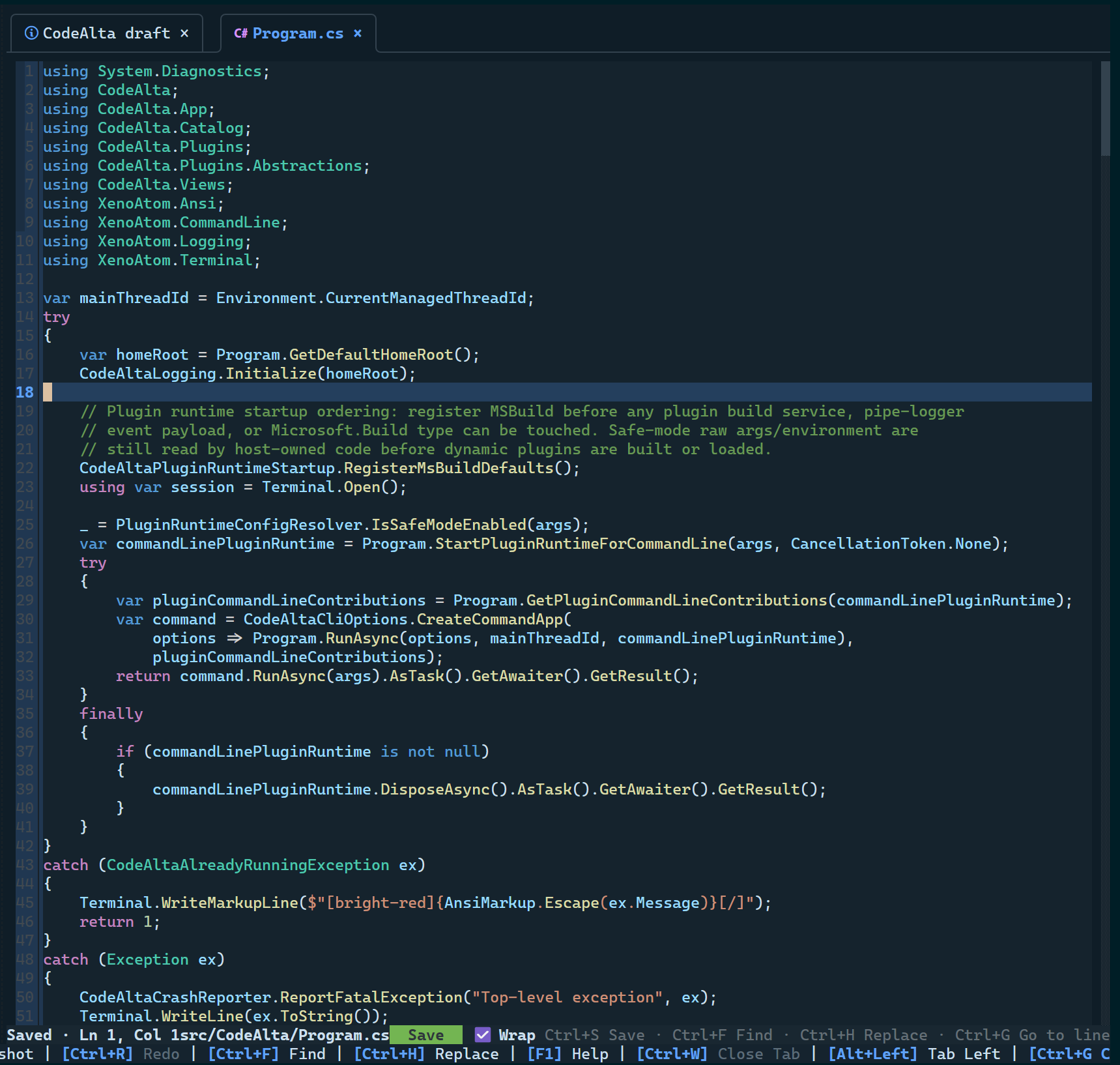
CodeAlta should stay native to C#/.NET and keep the runtime and dependency surface easy to understand, audit, and control.
What this means in practice:
- The main app, orchestration libraries, plugin abstractions, and tests should live in the .NET ecosystem.
- XenoAtom libraries are first-party dependencies owned by the same author as CodeAlta.
- Major external dependencies should come from established vendors, platform owners, model providers, and other well-maintained .NET libraries.
- A narrower dependency graph should reduce supply-chain exposure compared with large transitive dependency stacks, without pretending to eliminate supply-chain risk.
- Cross-platform terminal behavior should be a core product constraint, not an afterthought.
Actionable errors
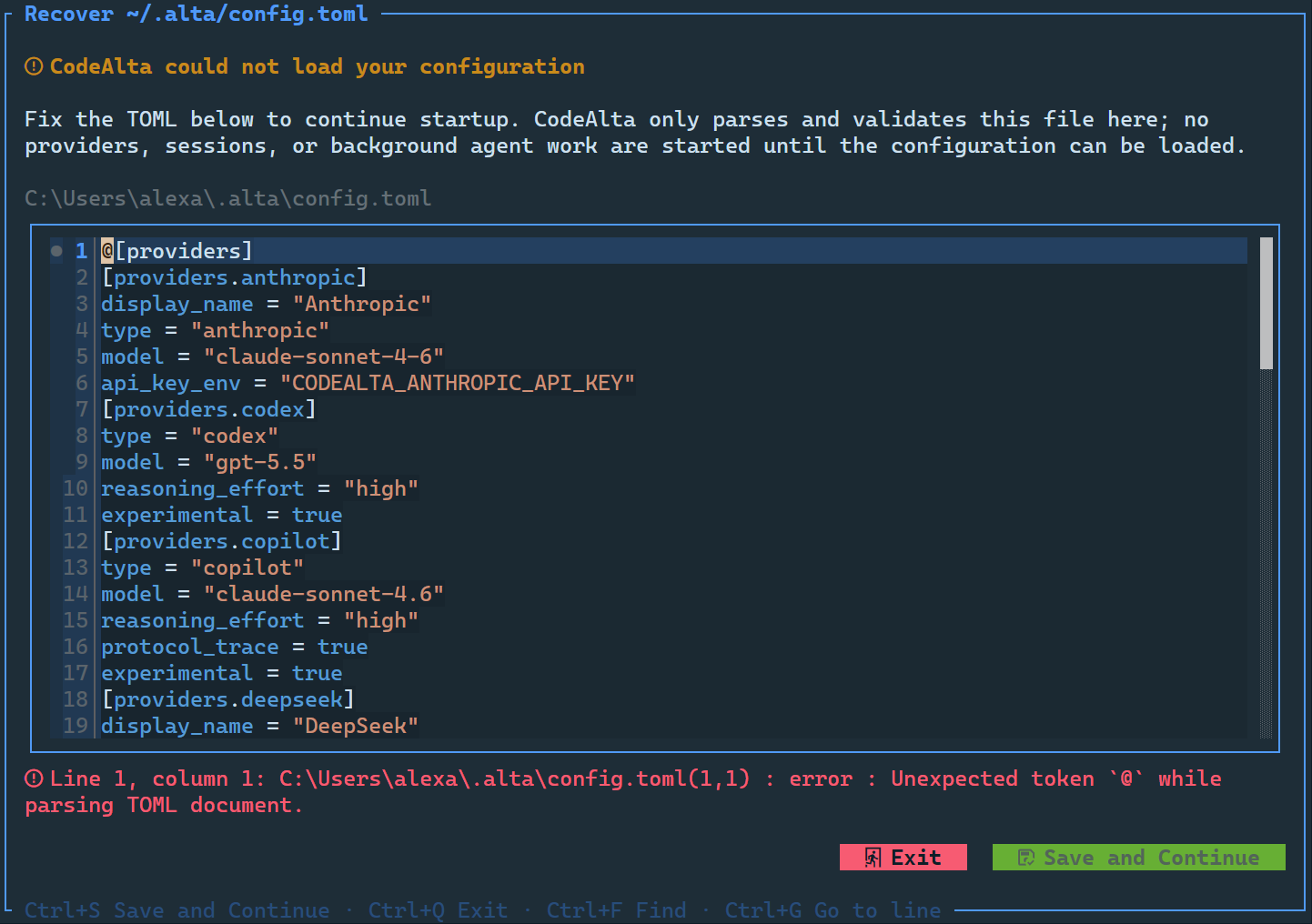
CodeAlta should turn setup and runtime failures into visible repair paths. Errors should appear close to the workflow that produced them, with enough context to fix or investigate.
What this means in practice:
- First launch should open the Model Providers dialog when no usable provider configuration exists.
- Provider configuration should give immediate feedback about missing or conflicting settings.
- Provider tests should validate credentials and endpoints before applying changes.
- Invalid
~/.alta/config.tomlshould open a TOML recovery editor with live parse feedback. - Errors from agent runs should appear in the timeline, not only in log files.
- Logs should be available in-app for provider, credential, plugin, and startup troubleshooting.
- Plugin safe modes and bypasses should exist for startup recovery when extension code breaks.
Extensible workflows
CodeAlta should let users compose workflows before they reach for trusted code. Agent prompts define modes, the in-session alta live tool lets agents coordinate CodeAlta-managed state, MCP servers and skills add external or reusable context, and plugins remain available when the host itself needs trusted .NET extension code.
What this means in practice:
- Agent prompts should make workflow modes such as Default, Plan, review, triage, and release assistance selectable and project-overridable.
- The
altalive tool should let agents inspect projects/sessions, ask structured questions, keep notes, schedule reminders, switch prompts, and coordinate child sessions through prompt-driven workflows. - MCP servers should add external tool ecosystems without turning every integration into a CodeAlta plugin.
- Skills should provide reusable context packages that can be enabled, inspected, and activated without executing source code.
- Trusted plugins should remain source-visible and manageable for cases that need host UI, runtime, prompt, timeline, resource, tool, or live-tool command extensions.
- Extension state, diagnostics, and recovery paths should stay inspectable so advanced workflows do not become opaque.